We can navigate to a page when a button is clicked by using the $router property provided by the vue-router package.
Specifically, $router comes with a push method that can be used for navigation to a different page. Let us look at an example to see how this works.
We will begin by creating a new application using Vue CLI.
❯ vue create programmatic-navigation-demo
Once, the installation is complete, we can navigate to the folder and run the server to load the application.
❯ cd programmatic-navigation-demo
❯ npm run serve
This will run our server on port 8080 by default http://localhost:8080/
Next, we will install the vue-router package required for routing. We can install it using CDN, npm or yarn.
npm:
npm install vue-router@4
yarn:
yarn add vue-router@4
Once the package is installed, we can integrate it with our Vue application.
To register the router, we will make changes in the main.js file.
// main.js

import { createApp } from "vue";
import { createRouter, createWebHistory } from "vue-router";
import App from "./App.vue";

const app = createApp(App);

app.mount("#app");

const router = createRouter({
  history: createWebHistory(),
  routes: [
    {
      path: "/about",
      component: AboutUs,
    }
  ],
});

app.use(router);
In this application, we will have an about page for navigation. Let’s create the component for about page.
// Terminal
❯ touch src/components/AboutUs.vue
Let’s add some code to the AboutUs.vue file.
<!-- AboutUs.vue -->

<template>
  <h1>This is about page</h1>
</template>
This component can now be imported in the main.js file.
// main.js

import { createApp } from "vue";
import { createRouter, createWebHistory } from "vue-router";
import App from "./App.vue";

import AboutUs from "./components/AboutUs";

const app = createApp(App);

const router = createRouter({
  history: createWebHistory(),
  routes: [
    {
      path: "/about",
      component: AboutUs,
    },
  ],
});

app.use(router);
app.mount("#app");
To display the component content, we need to add <router-view> component to the App.vue. Let us also create a button that will call a method to navigate to the /about page.
<!-- App.vue -->

<button @click="goToAboutPage">About Us</button>
<router-view></router-view>
The goToAboutPage() method will make use of the $router property to push the /about page when the button is clicked.
<!-- App.vue -->

goToAboutPage() {
  this.$router.push("/about");
}
So, the entire file should now look something like this:
<!-- App.vue -->

<template>
  <button @click="goToAboutPage">About Us</button>
  <router-view></router-view>
</template>

<script>
export default {
  name: "App",
  methods: {
    goToAboutPage() {
      this.$router.push("/about");
    },
  },
};
</script>
With this let’s run the server and check the output.
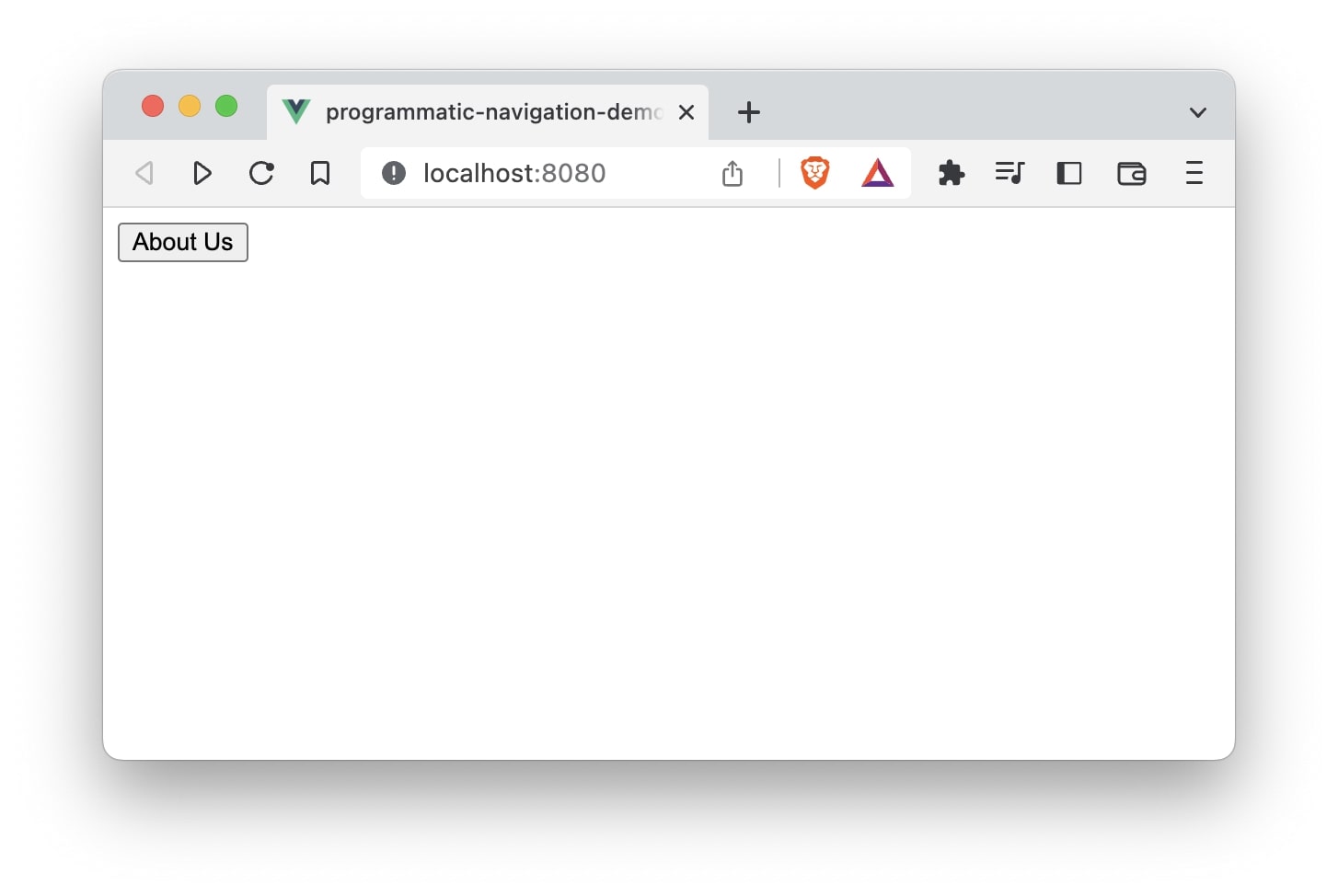
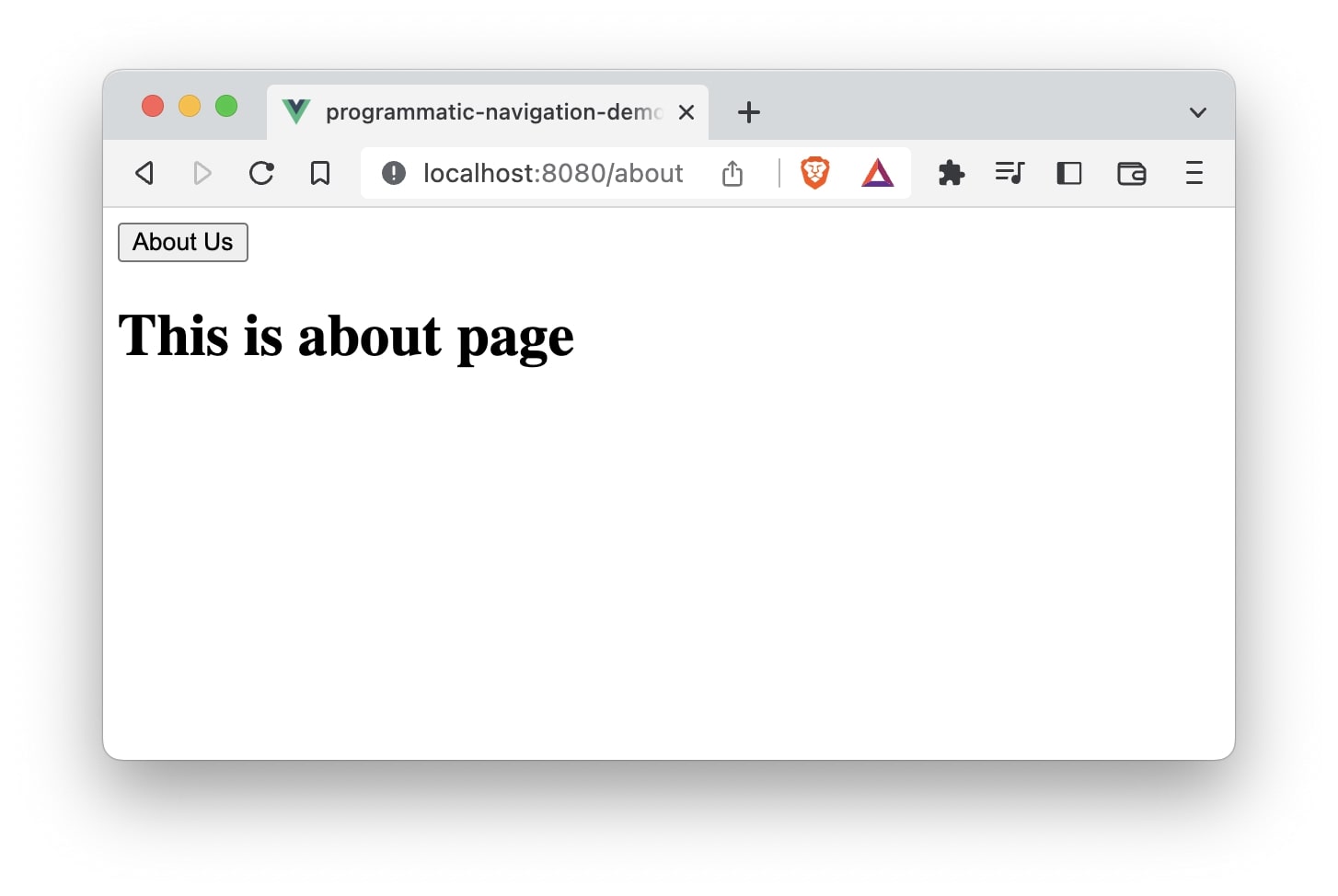
Using $router.push() method we are able to navigate to /about page programmatically.
That is it! 😃